Quick Note Sharing for Classes and Study Groups
Use temporary online note pages for study groups, class coordination, revision points, and quick academic collaboration.
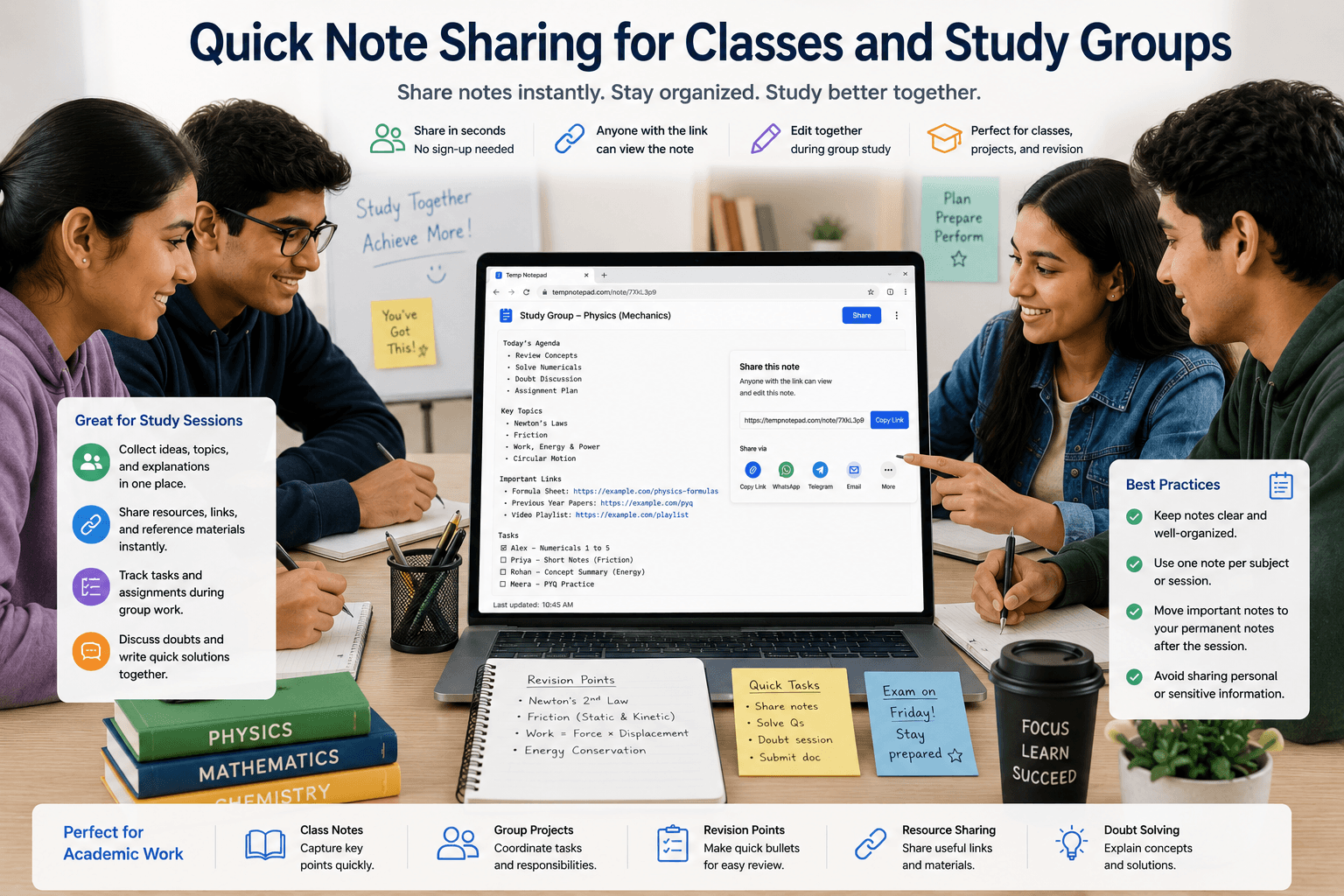
Classes and study groups move quickly, and students often need a simple way to gather text without losing time in setup. A temporary note page can help keep collaboration lightweight and practical.
Key takeaways
- Study groups benefit from simple tools during fast collaboration.
- Temporary pages help gather links, tasks, and rough explanations.
- Low-friction workflows reduce coordination waste.
- Important final material should be stored in a long-term place later.
Useful class scenarios
Students can use shared notes for assignment points, lab checklists, topic lists, revision bullets, and resource links. These are all situations where speed is more important than heavy document features.
The goal is not perfect formatting. The goal is keeping information accessible during the moment when it matters.
Why this works for group study
Study groups often need a quick place to agree on who does what and which links or topics matter. A temporary note page helps the group stay aligned without spending time on access management.
That simplicity makes the session feel smoother and more focused.
How to keep notes useful
The best shared notes are focused and clear. Create one temporary page per session, subject, or task instead of combining everything into one giant page.
This makes it easier for everyone to understand what they are opening.
After the session ends
Once the useful parts are identified, move them into a structured long-term place such as your main study notes or assignment folder. Temporary pages are excellent for capture, but not always ideal for long-term study organization.
That handoff keeps your academic workflow tidy.
Frequently asked questions
Can a study group use a temporary note page?
Yes. It works well for rough coordination, quick summaries, topic lists, and shared links.
Is it good for final study notes?
It is better for rough or temporary use. Final important notes should usually be saved in a long-term system.
Why not just use a document app directly?
You can, but for quick sessions a simpler tool often saves time and keeps the group focused.
Related articles
Try TempNotepad
Want to create and share a temporary note right away? Open the homepage and start writing instantly without signing up.
Open TempNotepad